

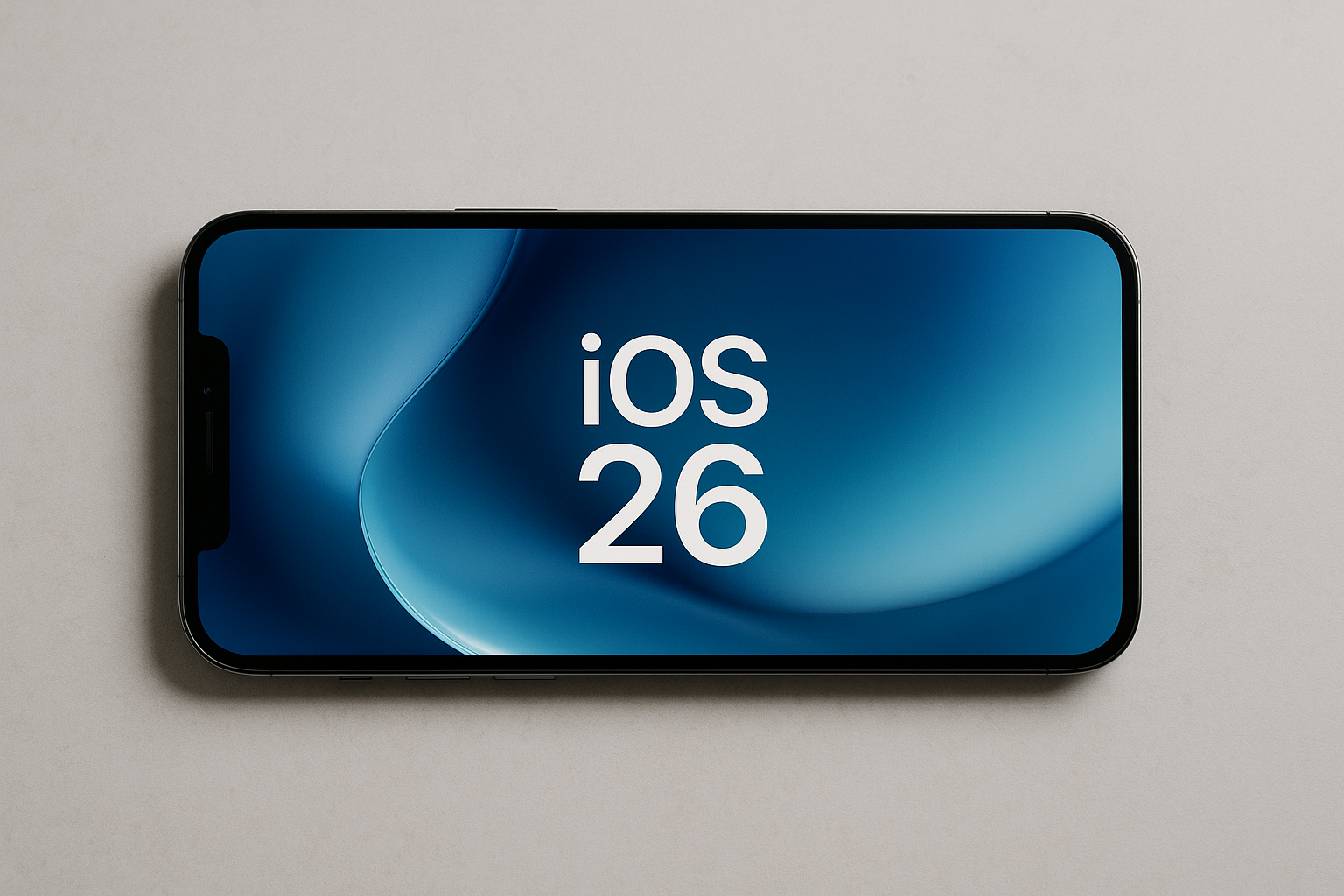
What’s New in iOS 26
Release & Versioning
-
Announcement: Apple officially revealed iOS 26 at WWDC 2025 on June 9, 2025.
-
Public Release Date: iOS 26 became publicly available on September 15, 2025.
-
Version Naming Change: Apple shifted its version numbering convention. Instead of going sequentially (iOS 19, 20, etc.), they named this version based on the year (“iOS 26”) to align iOS, iPadOS, macOS, watchOS, etc.
Design Overhaul: Liquid Glass
-
iOS 26 introduces a major new design language called Liquid Glass. It brings a translucent, glass-like aesthetic to the interface — think transparent menus, glass-edge elements, dynamic visual effects, shapes that refraction light and subtly shift.
-
This design is applied widely: Lock Screen, Home Screen, Control Center, apps, and across other Apple platforms
Key New Features & Improvements
Here are some of the important additions in iOS 26:
-
Enhanced Lock Screen: Time dynamically adapts position depending on the photo/wallpaper subject; new 3D/“photo comes to life” effects when moving the device.
-
Preview App: For the first time, iPhone gets a “Preview” app like macOS, letting users view, edit, share PDFs and images, scan documents, etc.
-
CarPlay Enhancements: Live Activities and Tapbacks in Messages within CarPlay; more widgets and integration to show relevant info on the dashboard.
-
Accessibility updates: New Braille Access, improved note-taking / document-reading with Braille displays; Vehicle Motion Cues to help reduce motion sickness; easier access to certain accessibility settings temporarily on someone else’s device.
-
Messages, Phone & Distraction Tools:
-
Call screening in Phone to filter out spam or unwanted calls.
-
Updates in Messages for richer connection + improved ways to reduce distractions.
-
Compatibility & Device Support
-
iOS 26 supports devices with A13 Bionic chip or newer (starting with iPhone 11) older models like iPhone XS, XR, etc., are no longer supported.
-
Some advanced features (especially those tied to Apple Intelligence, Live Translation, etc.) are limited to newer chipsets. Older but compatible devices may not get every feature.
Early User Feedback & Known Issues
-
Battery & Performance: After installing iOS 26, many users reported faster battery drain, device warming, or performance dips. Apple has confirmed these are often temporary and usually tied to background processes like app updates, indexing, system reorganizations. These effects typically stabilize after a few days.
-
Liquid Glass Design: Some users are experiencing eye strain, dizziness, or visual discomfort, particularly when using certain wallpapers or icon themes (dark mode, transparent/tinted icons) with the new Liquid Glass UI. Accessibility settings (e.g. Reduce Transparency, increasing contrast) are suggested as potential mitigations.
What Users Should Do / Tips
-
Give the update some time, many initial issues smooth out after a few days.
-
If Liquid Glass causes discomfort, try switching wallpapers, using default icon styles, or tuning display settings (transparency, contrast) via Accessibility
-
Back up your device before updating, check compatibility, free up storage to allow smoother update process.


